Player Management
Player management is about knowing your players individually — not just as aggregate numbers. When a player reports a bug, you can look up their timeline. When you want to reward loyal players, you can segment them. When you want social features, you can add leaderboards and achievements.
What You’ll Learn
Section titled “What You’ll Learn”- How to search and inspect individual players
- How to create player segments for targeted configs
- How to set up achievements and measure unlock rates
- How to manage leaderboards and moderate scores
- How to browse and manage cloud saves
- How to see what players are doing right now (live activity)
Player Explorer
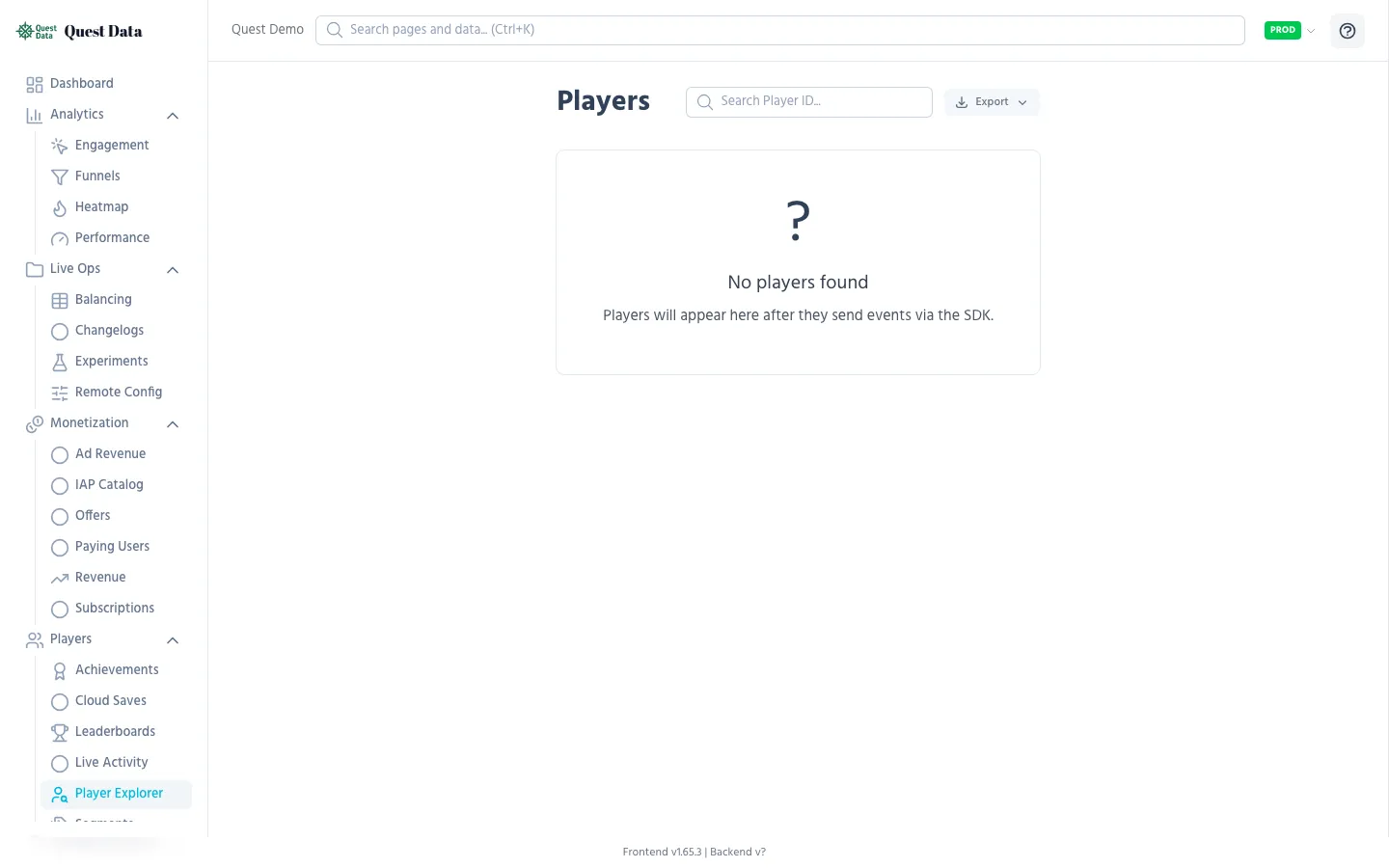
Section titled “Player Explorer”The Player Explorer is your support dashboard. Search any player by ID, view their complete event timeline, properties, tags, and session history.
Use cases
Section titled “Use cases”- Bug report: Player says “I lost my progress on level 5” → search their ID, see the timeline, find what happened
- Whale analysis: Look up your top spender, see their purchase history and play patterns
- Churn investigation: Find a player who stopped playing, see their last events
SDK integration
Section titled “SDK integration”Player IDs are auto-generated by the SDK and persist across sessions. You can also set a custom ID:
# Use your own auth system's IDQuestData.player_id = "steam_76561198012345"
# Set searchable propertiesQuestData.set_user_properties({    "username": "DragonSlayer",    "platform": "Windows",    "level": 42})
Player Segments
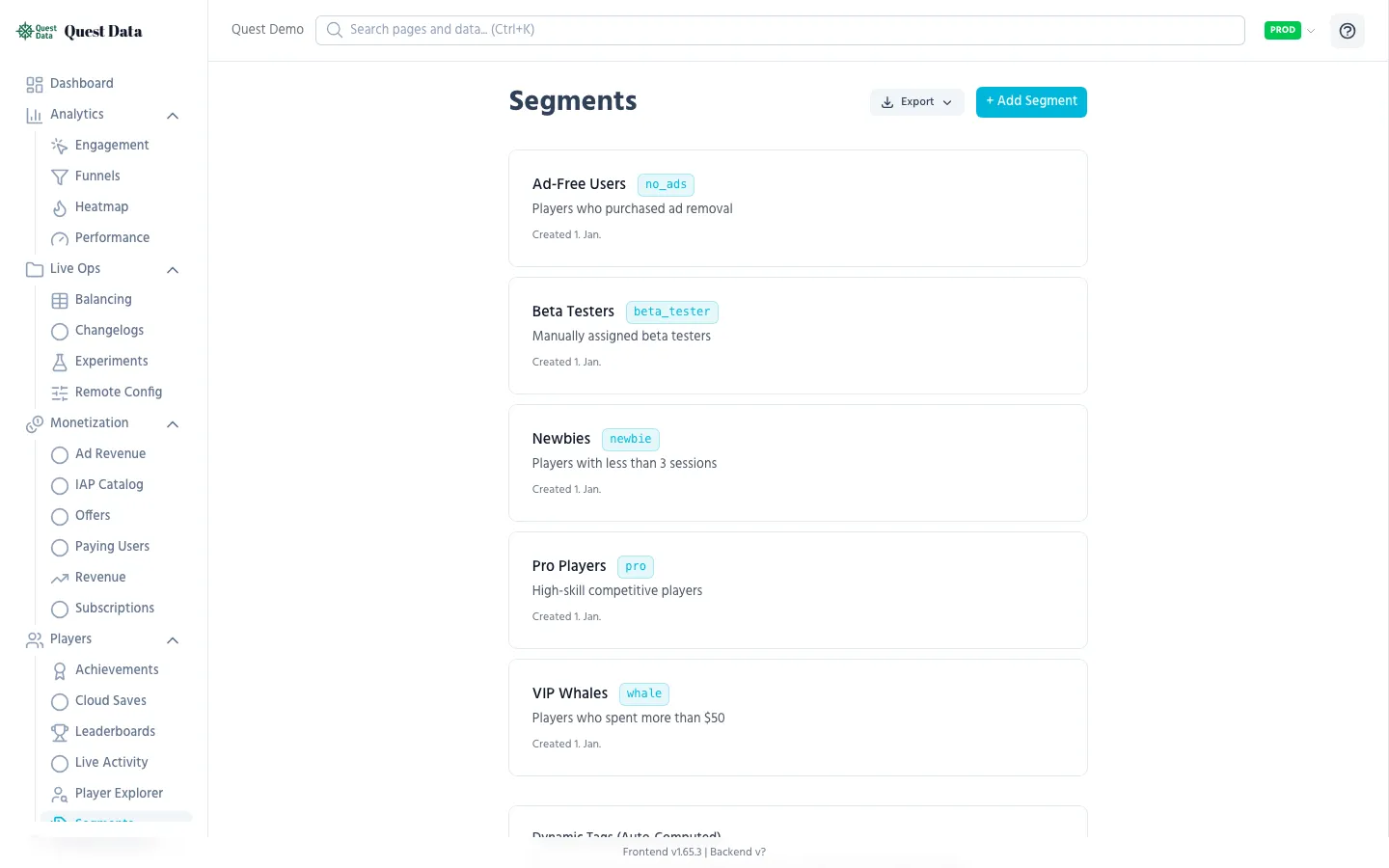
Section titled “Player Segments”Segments group players by tags — labels like vip, beta_tester, churned, or whale. Segments drive Remote Config overrides, so different groups get different game experiences.
Setting up
Section titled “Setting up”-
Tag players in your game:
QuestData.set_user_tag("paying_user")if total_spent > 100:QuestData.set_user_tag("whale") -
Create a segment in the dashboard:
- Go to Players > Segments
- Click New Segment
- Name: “Whales”, Tag:
whale
-
Use segments for config overrides:
- In Remote Config, add a segment override
- Whales get
special_offer_price = 0.99instead of4.99
See Players & Segments SDK Reference for full details.
Achievements
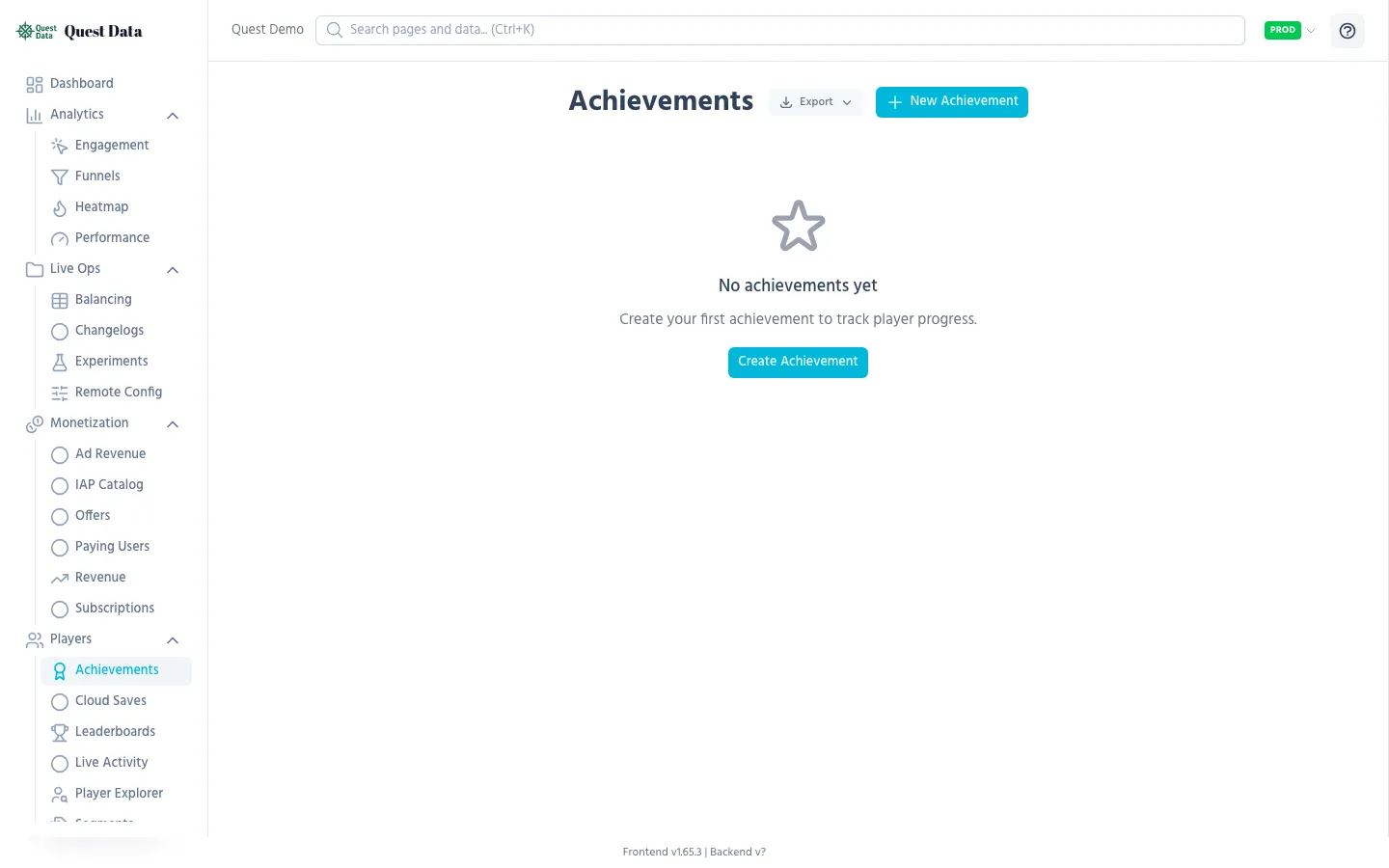
Section titled “Achievements”Achievements motivate players with goals beyond the main gameplay. Quest Data tracks global unlock rates so you can see how many players earn each achievement.
Setting up
Section titled “Setting up”-
Define achievements in the dashboard:
- Go to Players > Achievements
- Create achievements with key, name, description, points
- Mark secret achievements as “Hidden”
-
Unlock from your game:
QuestData.unlock_achievement("beat_final_boss", func(response):if response.get("success") and not response.get("already_unlocked"):show_achievement_popup(response["achievement"]))
Reading unlock rates
Section titled “Reading unlock rates”| Achievement | Unlocks | Rate | What it means |
|---|---|---|---|
| First Blood | 450/1000 | 45% | Almost half your players get this — well-balanced |
| Completionist | 45/1000 | 4.5% | Very hard, endgame content — expected |
| Tutorial Done | 600/1000 | 60% | 40% don’t finish the tutorial — might be too long |
See Achievements SDK Reference for full details.
Leaderboards
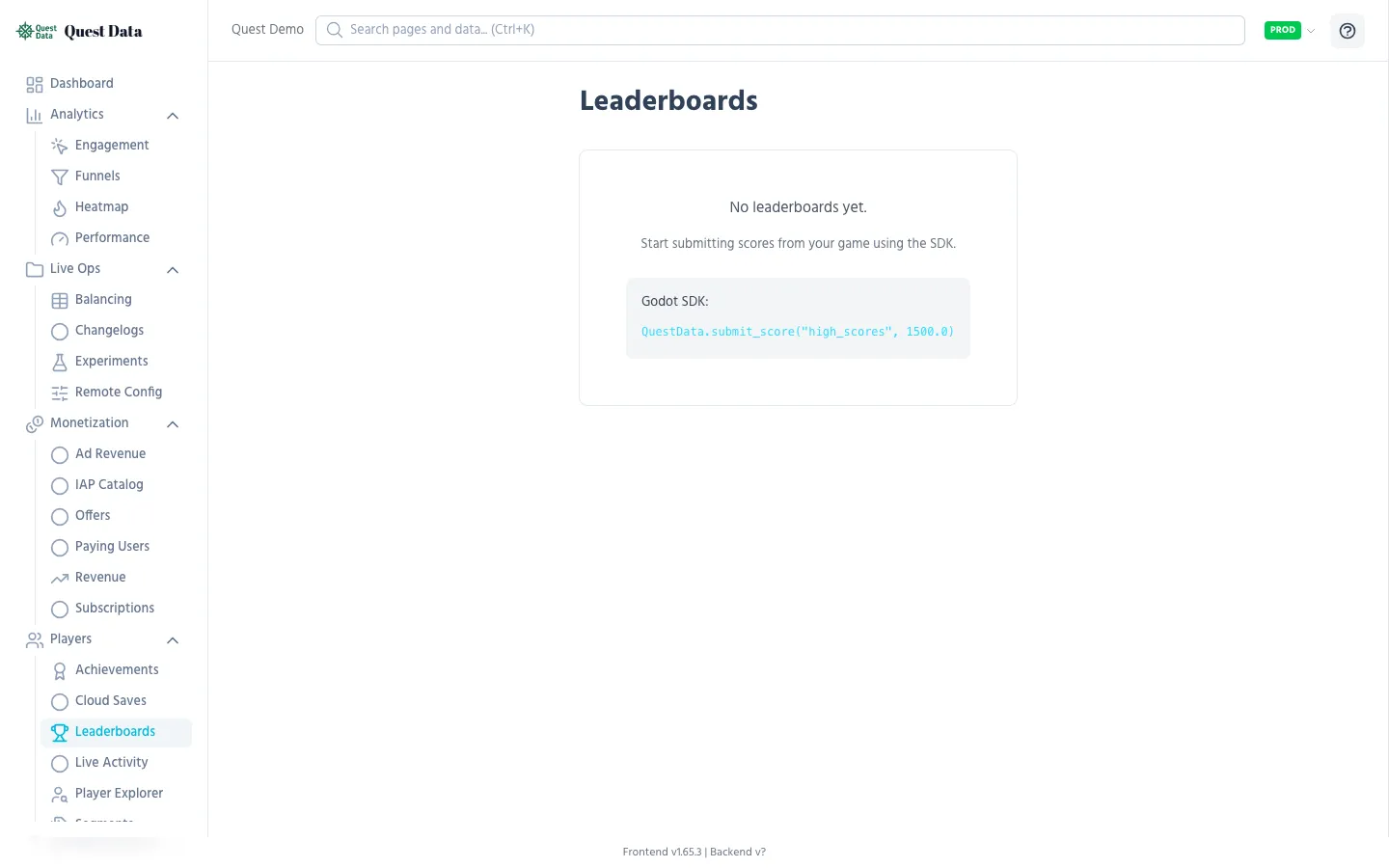
Section titled “Leaderboards”Leaderboards add social competition to your game. Players compare scores, compete for rankings, and come back to improve.
Setting up
Section titled “Setting up”Leaderboards are auto-created when the first score is submitted:
QuestData.submit_score("weekly_highscore", 15000, { "level": 42, "character": "warrior"}, "DragonSlayer")Moderation
Section titled “Moderation”In the dashboard under Players > Leaderboards:
- View top players per board
- Delete suspicious entries (cheaters)
- See score history
See Leaderboards SDK Reference for full details.
Cloud Saves
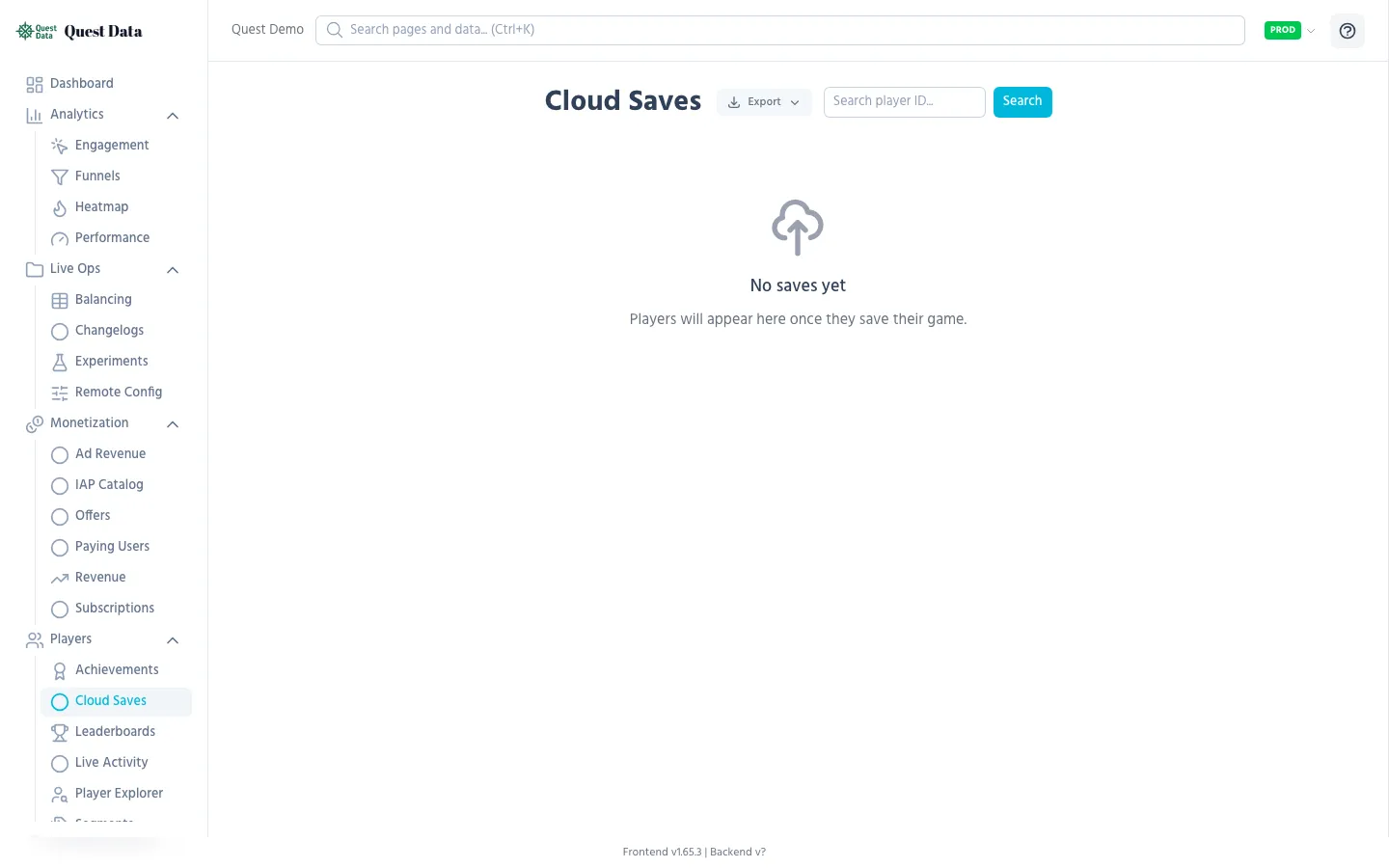
Section titled “Cloud Saves”Let players save progress to the cloud and continue on any device. The SDK handles version conflicts automatically.
SDK integration
Section titled “SDK integration”# Save at a checkpointQuestData.save_game({ "level": 15, "inventory": ["sword", "shield"], "coins": 5000})
# Load on game startQuestData.load_game(func(data, version): if not data.is_empty(): restore_game_state(data))Dashboard
Section titled “Dashboard”In Players > Cloud Saves you can:
- Search saves by player ID
- View raw save data (JSON)
- See when saves were last updated
See Cloud Saves SDK Reference for full details including conflict resolution.
Live Activity
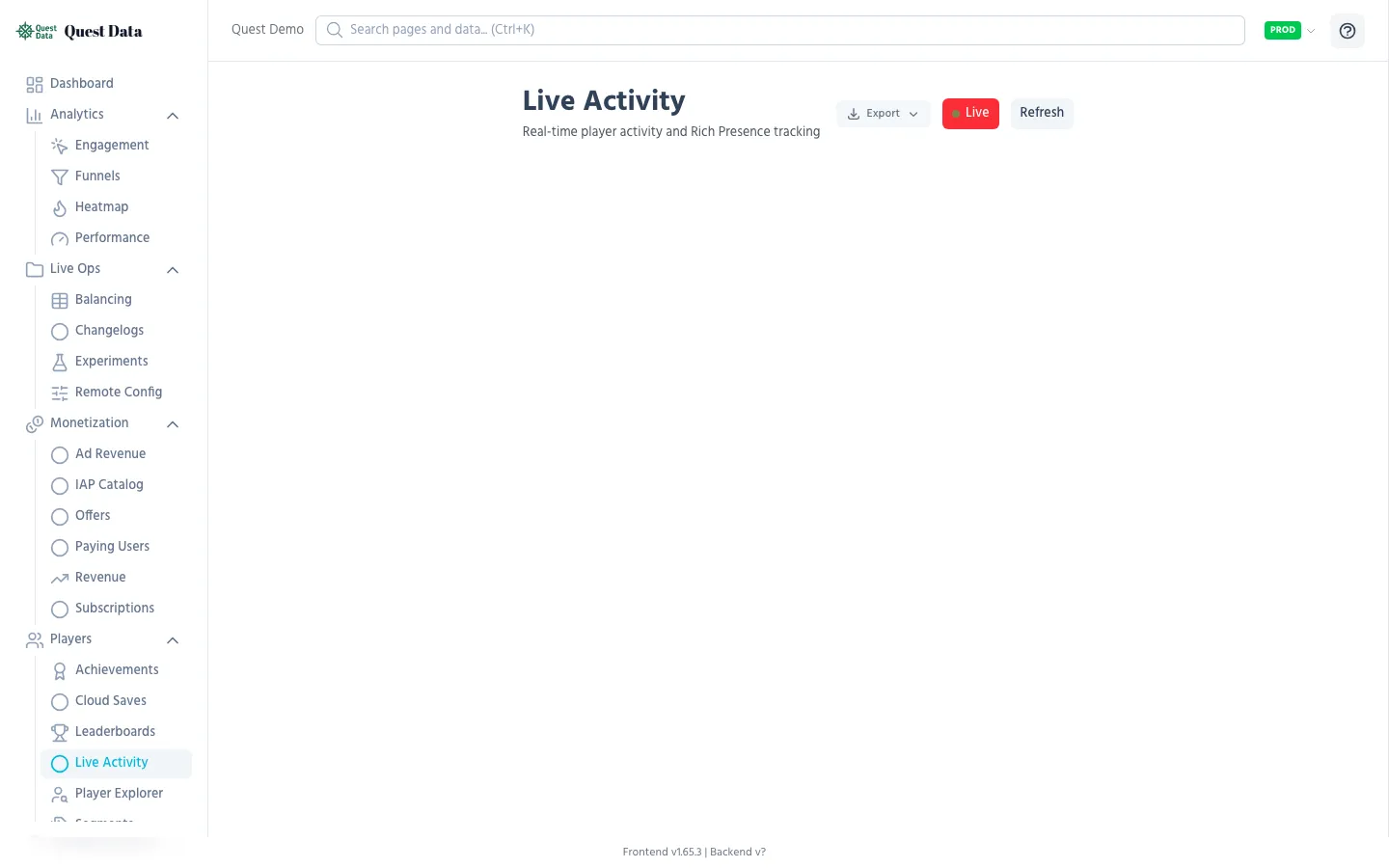
Section titled “Live Activity”See what players are doing right now in real-time. Useful during launch day, events, or playtesting.
SDK integration
Section titled “SDK integration”# Set what the player is doingQuestData.set_activity("Playing Level 5", { "level": 5, "health": 85, "character": "warrior"})
# Clear when going to menuQuestData.clear_activity()The dashboard shows all active players with their current activity, updated in real-time via WebSocket.
Next Steps
Section titled “Next Steps”- Players & Segments SDK Reference — Tags, properties, identity
- Achievements SDK Reference — Unlock, cache, UI integration
- Leaderboards SDK Reference — Scores, rankings, throttling
- Cloud Saves SDK Reference — Save, load, conflicts
- Analytics Guide — Understand player behavior in aggregate